BIT-101
Bill Gates touched my MacBook Pro




I’ve been thinking a lot about todo lists, journals, notebooks, productivity systems lately. I’ve always struggled with these things and have tried just about every system or app out there. YouTube, blogs, corporate sites are full of articles describing “the perfect system”. But if there actually was a perfect system that worked for everyone, we’d all just use that and all the others would fall away. We’ve all figured out that perfect way to eat was to put food in your mouth. So we don’t see endless articles claiming that you should eat through your nose or ears or other orifices.
Unlike our digestive systems, I think people’s minds are different and a productivity system that works for one person is not going to work for everyone. Two alternatives are to try every system until you find one that works for you, or create your own. After years of working on this, I believe that the latter is the best way. But I still think it’s worth trying a variety of systems for a while and understanding what elements of each work for you, and which don’t.
For the past year or so I’ve been using a reMarkable tablet with daily todo lists and notes and it was OK, but I just sold my reMarkable and moved back to a pen and paper. While figuring out how to best structure my notebooks, I re-examined a lot of things I learned in the past, and looked into a lot of new things.
There are certain elements that tend to be the same, or at least similar, across a lot of systems. But before we even list them, we should look at the different types of productivity systems and some examples of established and well-defined systems.
So first of all, you have to figure out what your goals are for your system. It may be a mix of some of the above or could incorporate other systems as well.
For myself, it was mostly task management / todo list items. But I also wanted to capture ideas to some degree - things that aren’t explicitly actionable, but I might want to think about or look into later. Capturing these ideas was initially a secondary need, but the more I used my notebook day-to-day, the more space I started allocating for these idea notes.
It’s also helpful to look at specific systems and how they do things. Two that I’ve looked into deeply in the past are “7 Habits” and “Getting Things Done”.
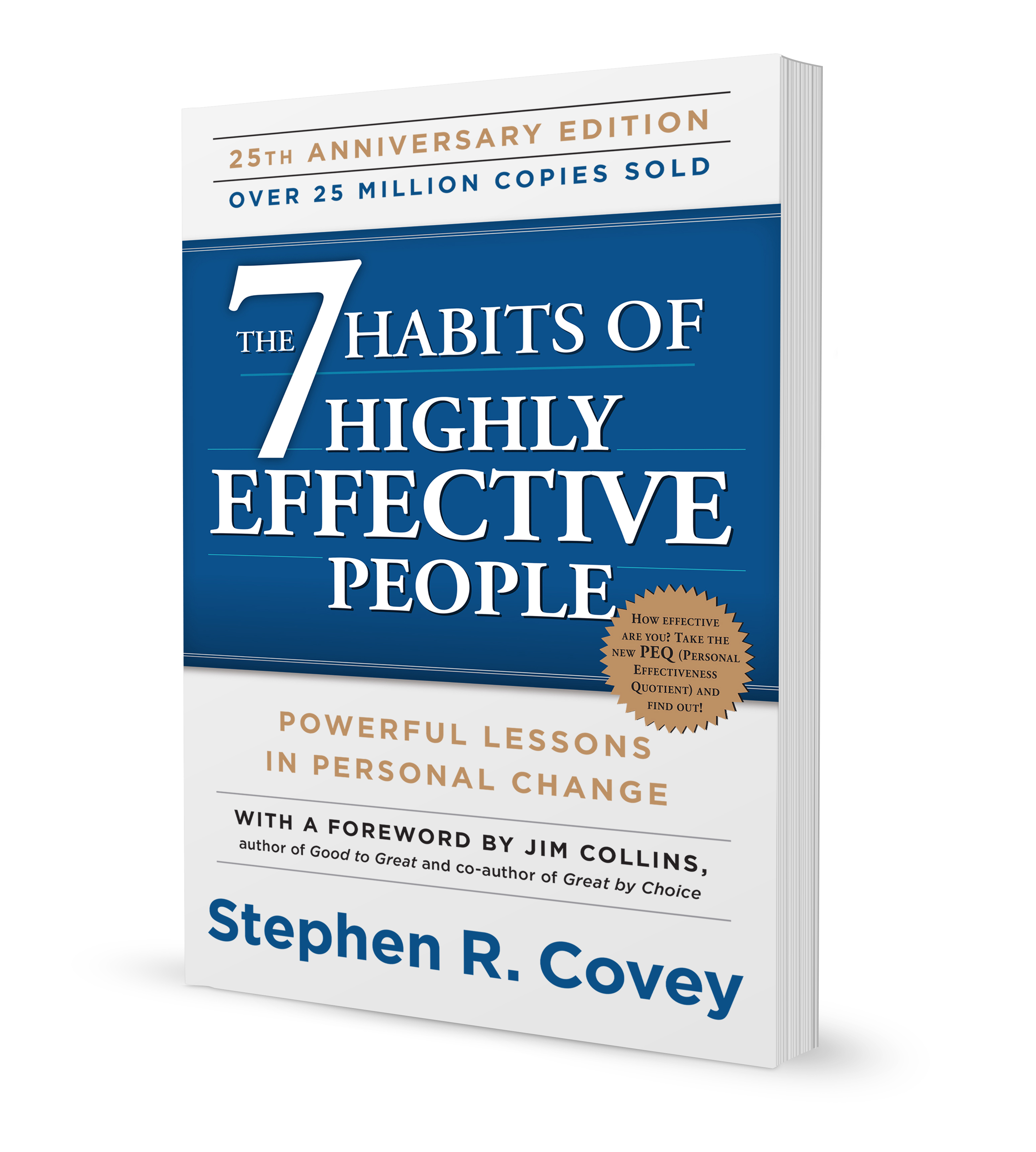
This is from the book 7 Habits of Highly Successful People by Stephen Covey, a popular book back in the 90s. It’s a very top-down approach, with religious/spiritual/moral overtones. You define your moral principles and goals that contribute to those principles and work downward to the actions you need to take to achieve those goals. Anything that does not align with those goals and principles has little place in this system. At least that was my take on it when I read it ages ago.
The morality stuff aside, the top-down approach is good if you have specific goals - you’re starting a company or have a big project or some event you’re planning, etc. You want to make sure you think of and capture and get done all the things that will make that goal a success. Other actions may be secondary.
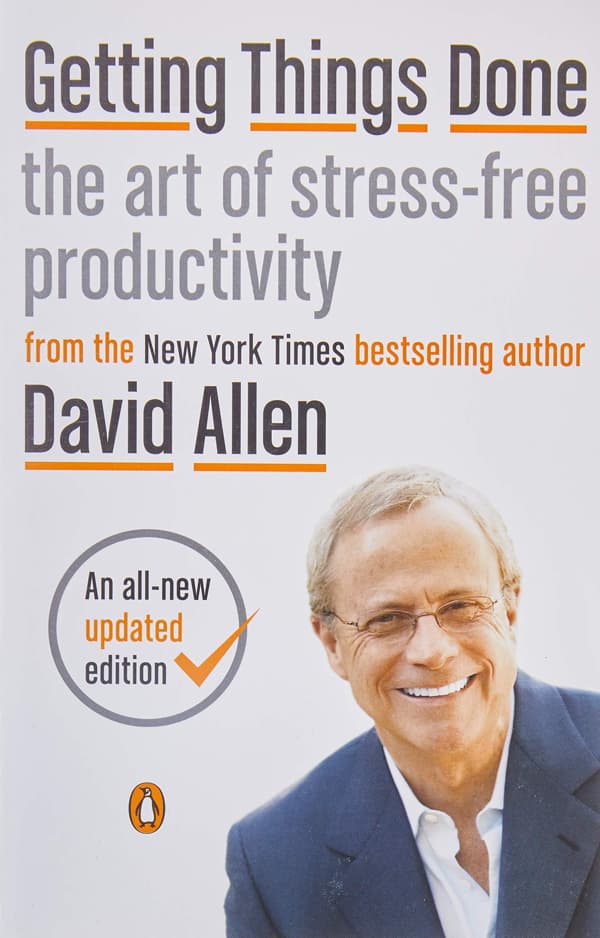
From the book of the same name by David Allen. Very popular in the 2000s and 2010s and continues to have followers to this day.
This is way more of a bottom up approach. There are a million things you know you need to do. If they are just in your head, they will drive you crazy and you’ll forget most of them. So you need a way of capturing ALL of these things and getting them out of your head and in a system that can then be organized and prioritized.
This system doesn’t judge what you are trying to do. Or can be used even if you don’t have any major goals you’re working on and you just want to be more organized.
GTD (as it has come to be known) can be a very complex system. The original version had you create a system of 43 folders to organize your task list items into. This got easier with software, but is still rather prescriptive. However, there are many, many highly useful and pragmatic elements of this system that I return to again and again, such as:
I made this list from memory, having read the book 20 years ago, so it may not be 100% accurate, but I bet it’s pretty damn close, and the fact that it’s stuck with me that long says something.
Rather than try to give you the perfect productivity system, I’ll mention some of the elements that I’ve found useful in coming up with my system.
You need a way to capture those stray thoughts instantly. This could be your todo list app, or a note taking app or an actual notebook and pen(cil) or a voice recorder. But it needs to be something that can be with you all the time and is nearly instantly accessible. “I’ll write that down when I get home” won’t work. You’ll forget.
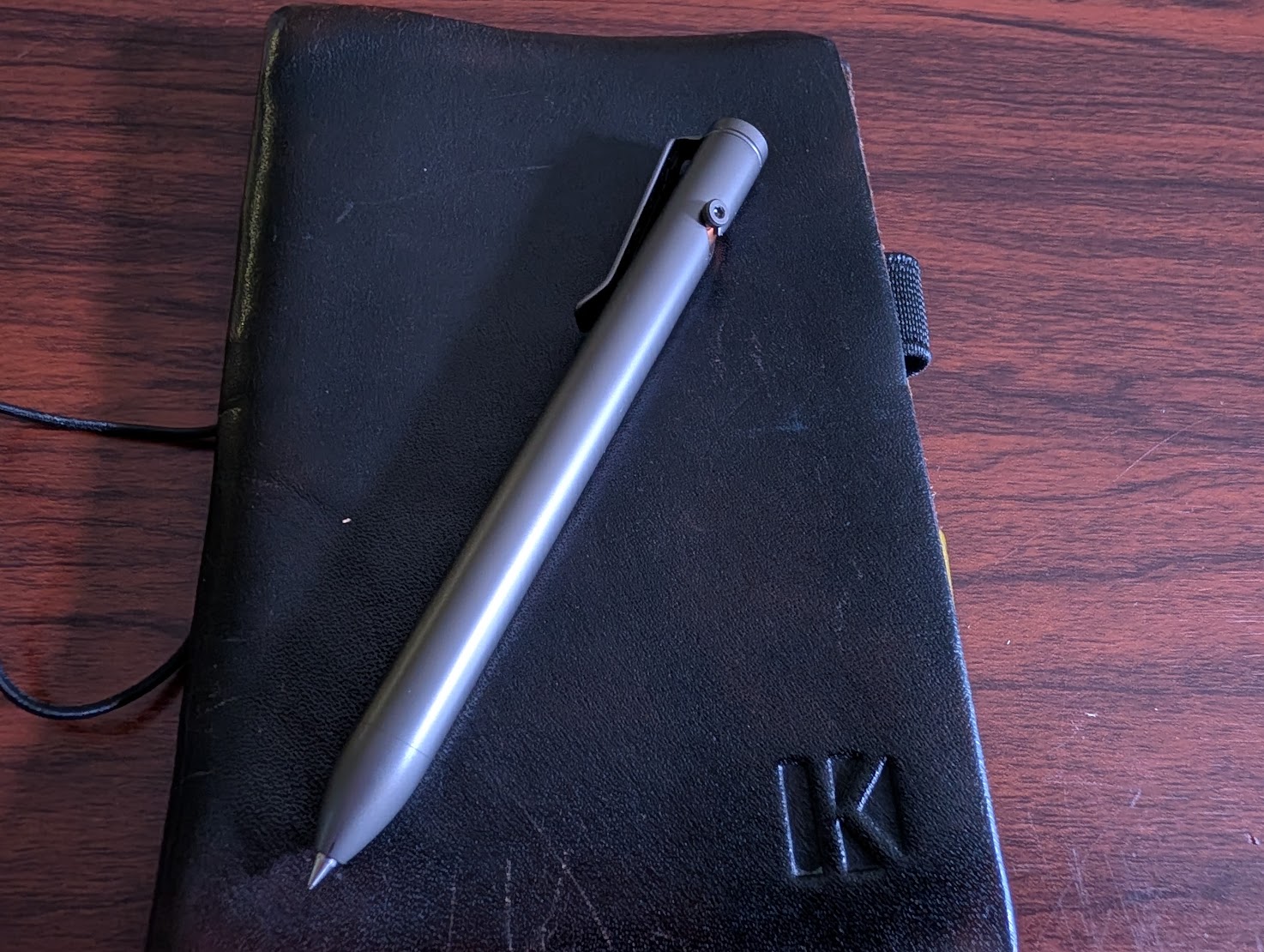
For me, it’s a pocket notebook 3.5 x 5.5 inches. Years ago I made my own leather cover that fits these. But you can buy one or just stick the notebook in your pocket as is. Mine is just a thin piece of leather with an elastic band to hold the notebook in, another one to hold it close and a pen loop. I don’t want something big I have to carry by hand or in a bag. This goes right in my pocket. It’s aged wonderfully over the past decade and a half.
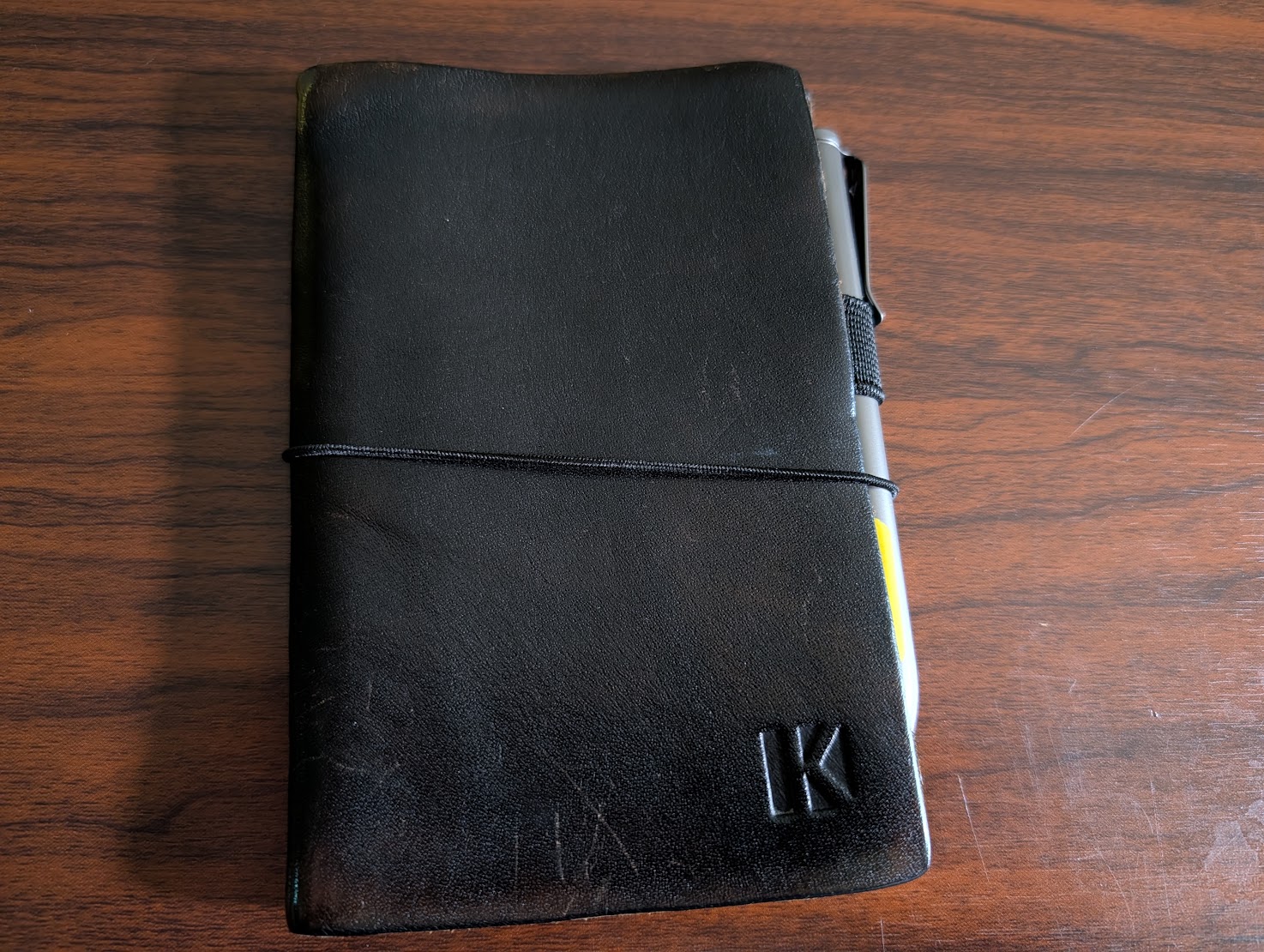
If you’re going with pen and paper, make sure you also always carry a pen (or pencil). To me, they should be together so you grab both, hence the pen loop. The pen I got is the Refyne EP1. Not cheap, but I love a good machined metal pen. It’s small but solid, takes a variety of refills. I’m very happy with it.
Initially I was just adding everything to my todo list even if it was just an idea that I wanted to look into later or thought I had. Eventually I started putting a separate section for notes. Once I did that, I found there were more and more thoughts I had that I wanted to capture and I think I’ll soon switch to two-page-per-day system - one page for todos, one page for notes. You could also have a separate notebook for these things.
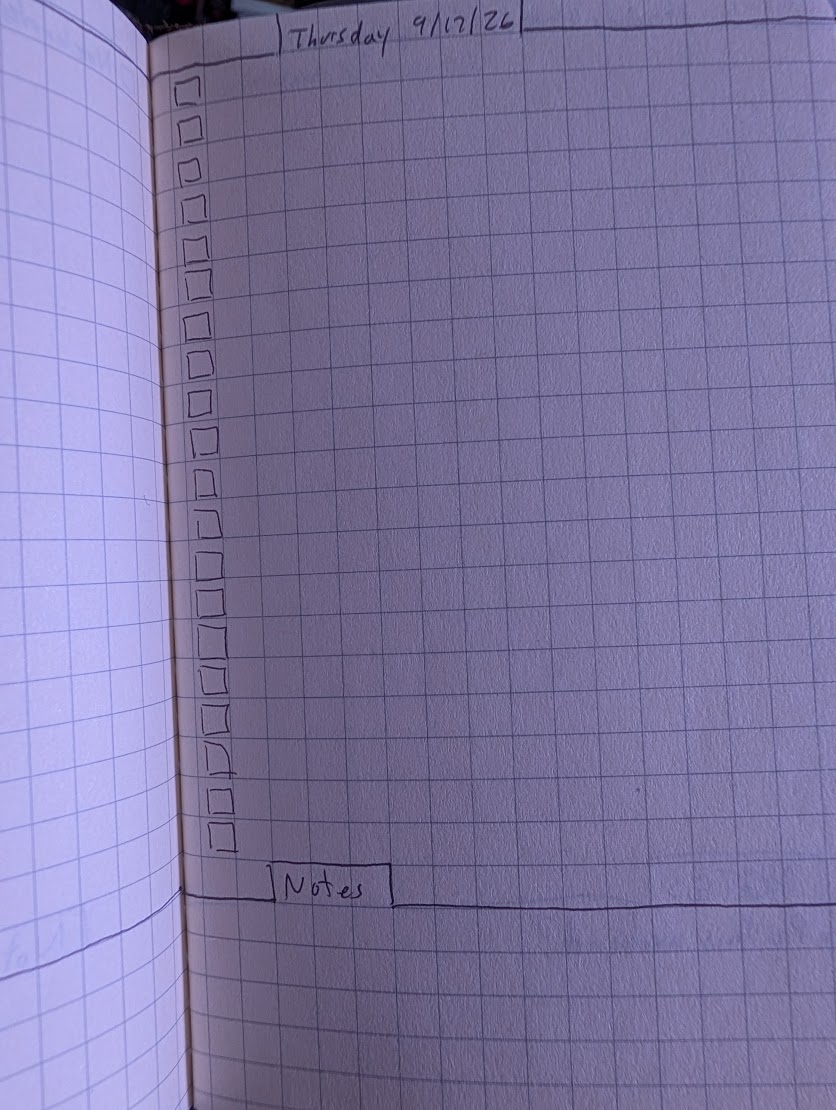
With tasks, it’s also useful to have a way of signaling what you did on each task. Of course you can check it off, but you might migrate it to another day or some other list, or delegate it so someone else or decide not to do it at all. Having a visual system to denote all those is nice. The Bullet Journal system has some good ideas around that.
If you find yourself adding the same item to your todo list every day - and I mean adding it and doing it every day - you might benefit from a habit tracker. I modeled mine on this anecdote from Jerry Seinfeld - where he would write a joke each day and cross that day off on a calendar. His goal was to create a streak of doing that every day and not break the streak. I found this very powerful. Lots of times when I probably would skip a particular daily habit, but then it would break the streak.
I created a template in Inkscape that I print out on a piece of card stock and put inside the front cover of my notebook. It has 40 boxes for each habit. I put a dot in a box if it’s started but not done. Fill in the box when it’s done, empty circle if I didn’t do it.
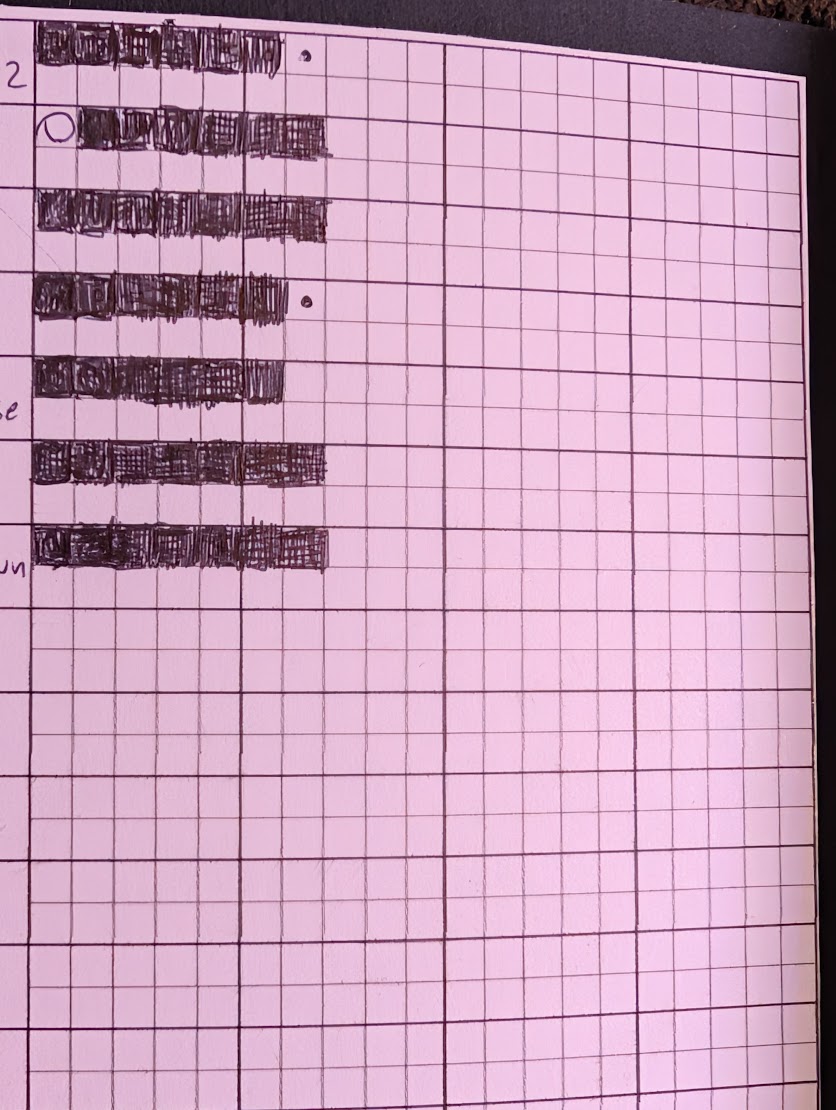
Link to this template if you want to use it: Habit Tracker Template. It’s set to print at 3x5 inches as is, but you can scale it up if needed.
I think it’s important to have a someday/maybe list. Things you aren’t going to do today, or even this week or maybe not even this month, but … someday.
Any system will get stale after some time. A weekly (or other interval) review helps keep things fresh and actually useful.
For me, this review looks at:
But make your own and do it on whatever schedule works. This is basically a sprint retrospective that you might do or might have done at work. Search for weekly reviews or retrospective ideas for more inspiration.
All of the above are just things I’ve found useful. None are gospel. Use whatever works for you. Use an app on your phone or a tablet. Use a notebook - pocket or large one. Use index cards. But make it your own. Some other tips:
Start by defining what you want to get out of it. Organizing ideas? Planning a big project? General productivity? And add the elements that contribute to that.
Make it your own. Starting with someone else’s system is fine, but don’t stop there. Or do if it’s perfect for you, but be willing to adjust it to fit your brain.
Try different systems. A lot of the pieces I use are pulled together from different systems. Research different systems. Try them out or at least listen to the pitches. You’ll probably find something that makes you say, “ooh, that sounds useful!” Use that thing at least.
Pro tip: look for articles or videos where someone explains why they quit using a particular system. There may be more to learn from these than there is from someone gushing about how perfect their system is. “Too much overhead / too complicated”, “not convenient for capturing ideas”, “too much to carry around everywhere”. These might save you from the same problems.
Be willing to evolve! Actively try to evolve the system. That will keep it fresh and keep you using it. Part of your review could be how to evolve the system. Now and then research other systems as per #3 above.