BIT-101
Bill Gates touched my MacBook Pro




The other day I posted about my internet radio explorations. A few people weighed in with their experiences and questions. You can see those in the comments of that post. Mostly it was me talking about adding streams, so I figured I’d more permanently document that in another post. This is mostly about finding, adding, and managing new stations.
As mentioned, my receiver, and many others use the Skytune service. This is a huge database of streams, with metadata, images, locations, genres, etc. Probably at least 30,000. And they maintain the list pretty well. I’ve used other databases of streams that were pretty hit and miss. But in my experience it’s pretty rare for a Skytune stream to not work. I imagine they license the service to all these receiver makers and have the resources to keep their lists up to date. And if they slacked off, the manufacturers would look for other providers.
While you can search for and manage Skytune stations on the device, it’s not a great experience. Better is to open up https://skytune.net in your browser, on the same network your receiver is on. You’ll get to a search form like this:
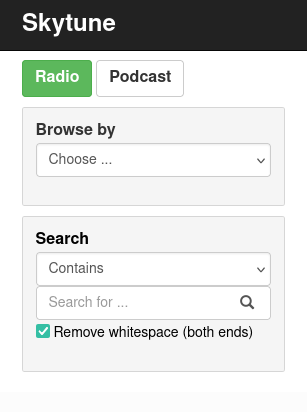
You can filter by genre or location, and enter a search term. Here’s what I got for “SomaFM”:
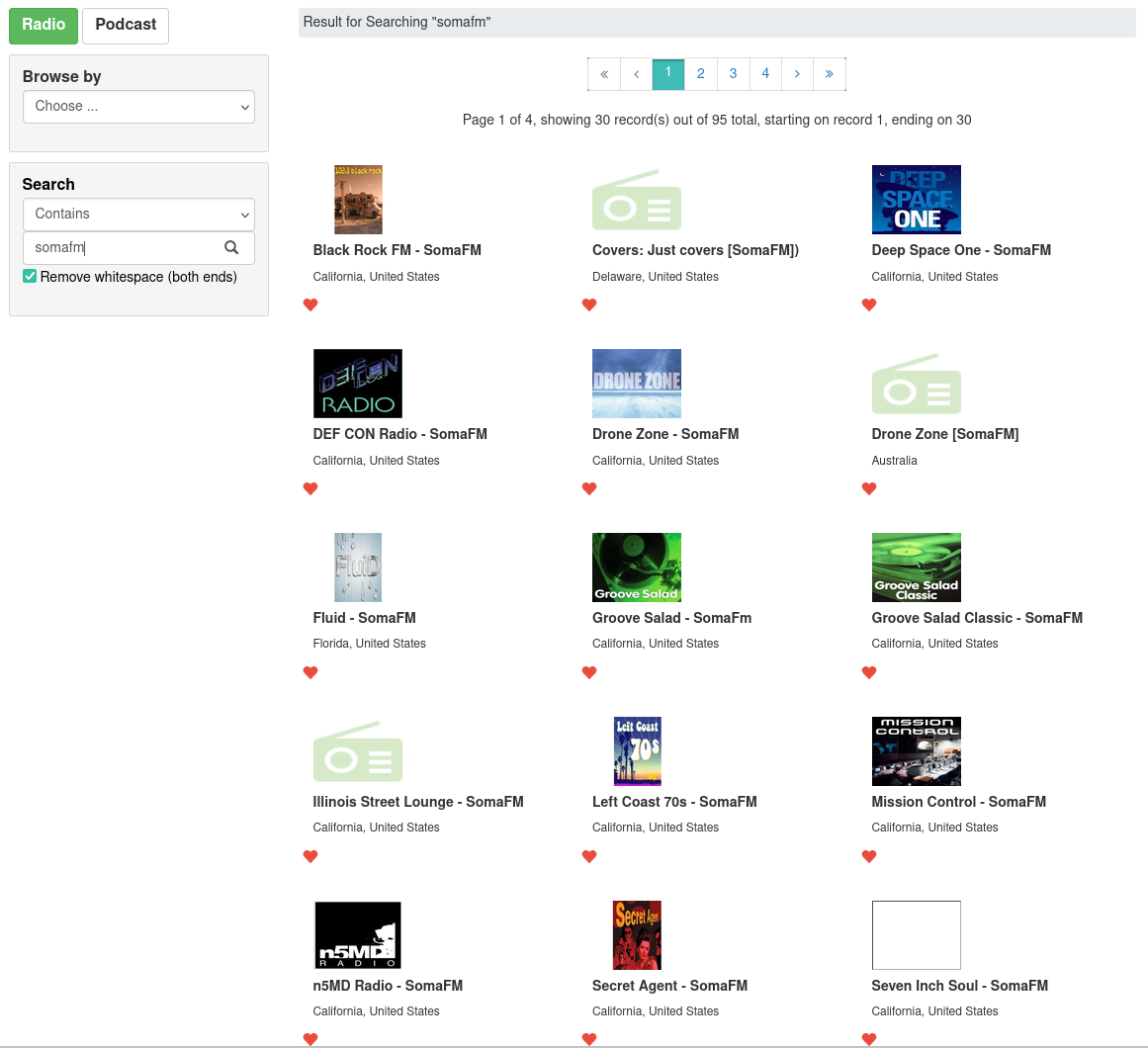
How you are supposed to use this page confused me at first, because clicking on the thumbnails does nothing. Finally I figured out you have to click on the little heart icon on one of the stations. This brings up a modal like this:
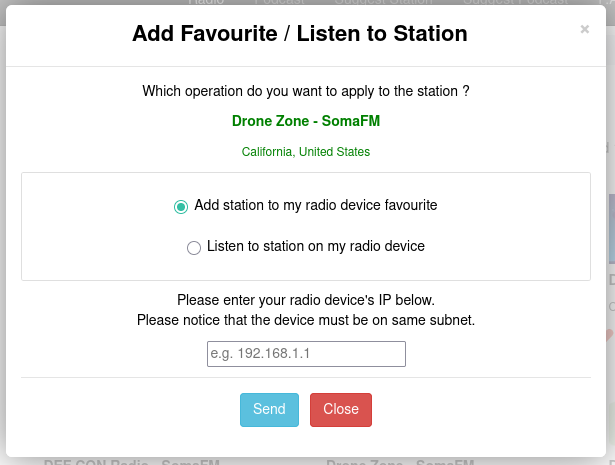
There, you enter your receiver’s IP address (which is displayed on its screen) and whether you want to save the station or play it now. When you do that, it goes to the page where you can manage all your saved stations. This is a page served directly from the device itself. You can get there any time by entering your device’s IP address in the browser.
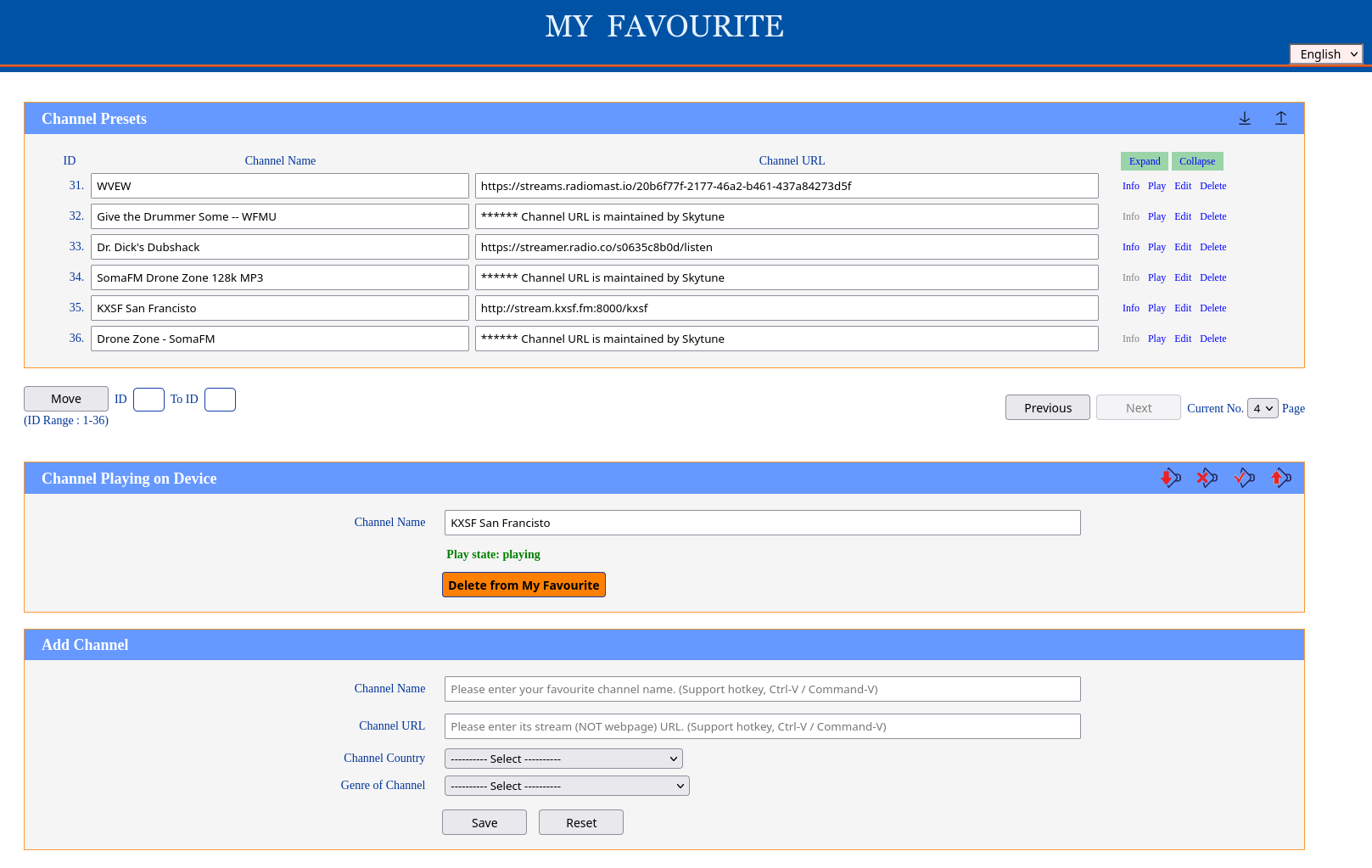
As you can see, I saved SomaFM’s “Drone Zone” station. But I already had another version of it saved. This happens now and then. There can be different versions. Sometimes different official versions of a station with different bandwidths, sometimes, I don’t know, unoffical versions too? You can try different ones and see if any are better than others.
Here you can also play, edit, delete or re-arrange your stations. The UI is pretty minimal, but is workable and stable from what I’ve seen.
You can also see what’s currently playing, change the volume or mute. Oddly, I don’t see a way to stop anything from playing.
Although Skytune has thousands of stations, eventually you’ll find a station you want to save that is not in their database.
So, you can add a new station. You’ll need a working audio stream URL and some info about the station - name, location, genre. Plug all that in in the bottom of that same management page, and the station will be added to your favorites.
There are some differences between Skytune and non-Skytune stations. Skytune does add some value for the stations in its database. It gets a thumbnail image, and generally displays more info on the screen than a manually added stream. For example, here’s a manually added station I put on today.
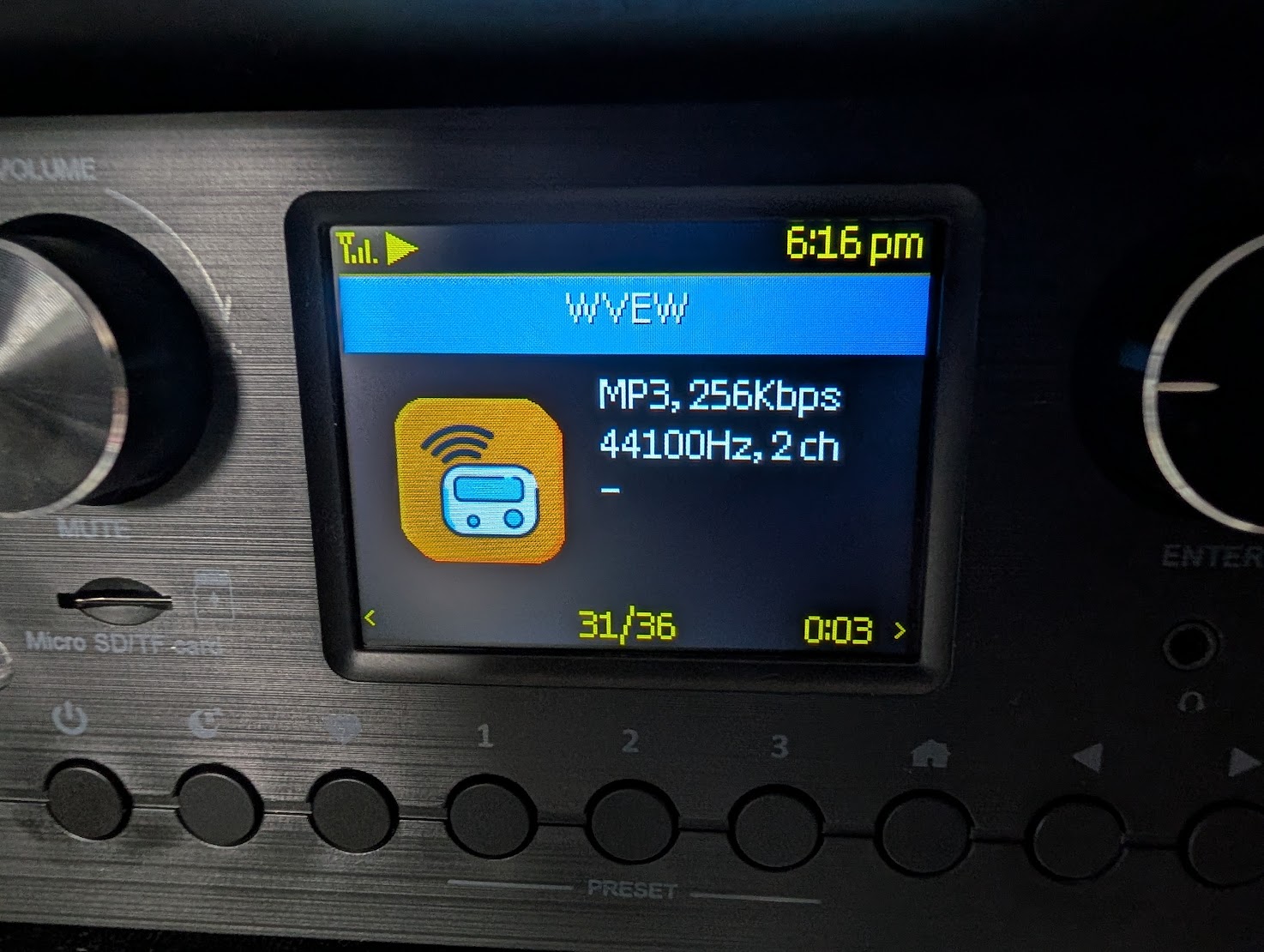
Just a default image. Some stream stats when it starts up, but then it’s just blank.
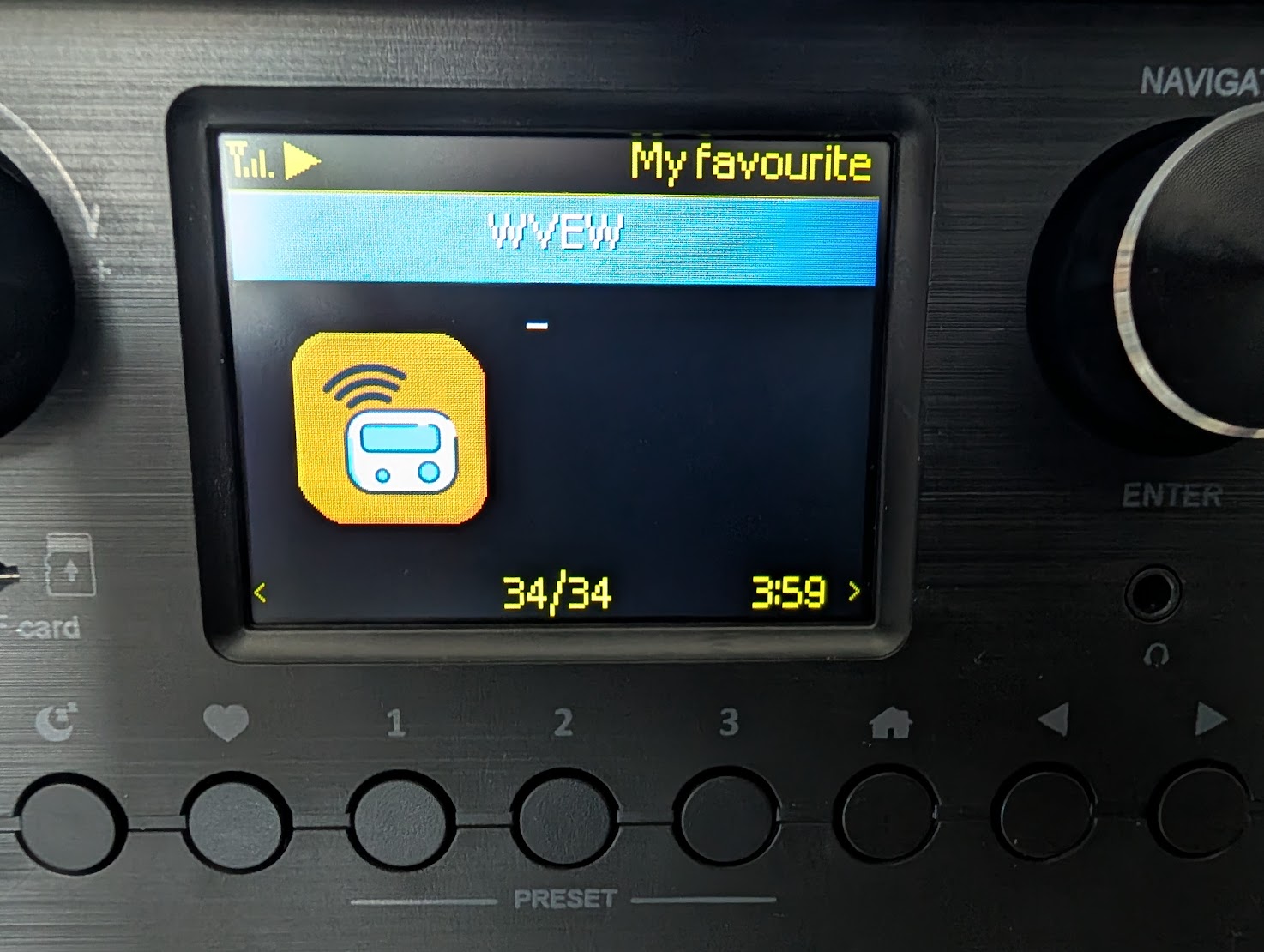
But other manual streams will show more info, such as the currently playing song, like this:
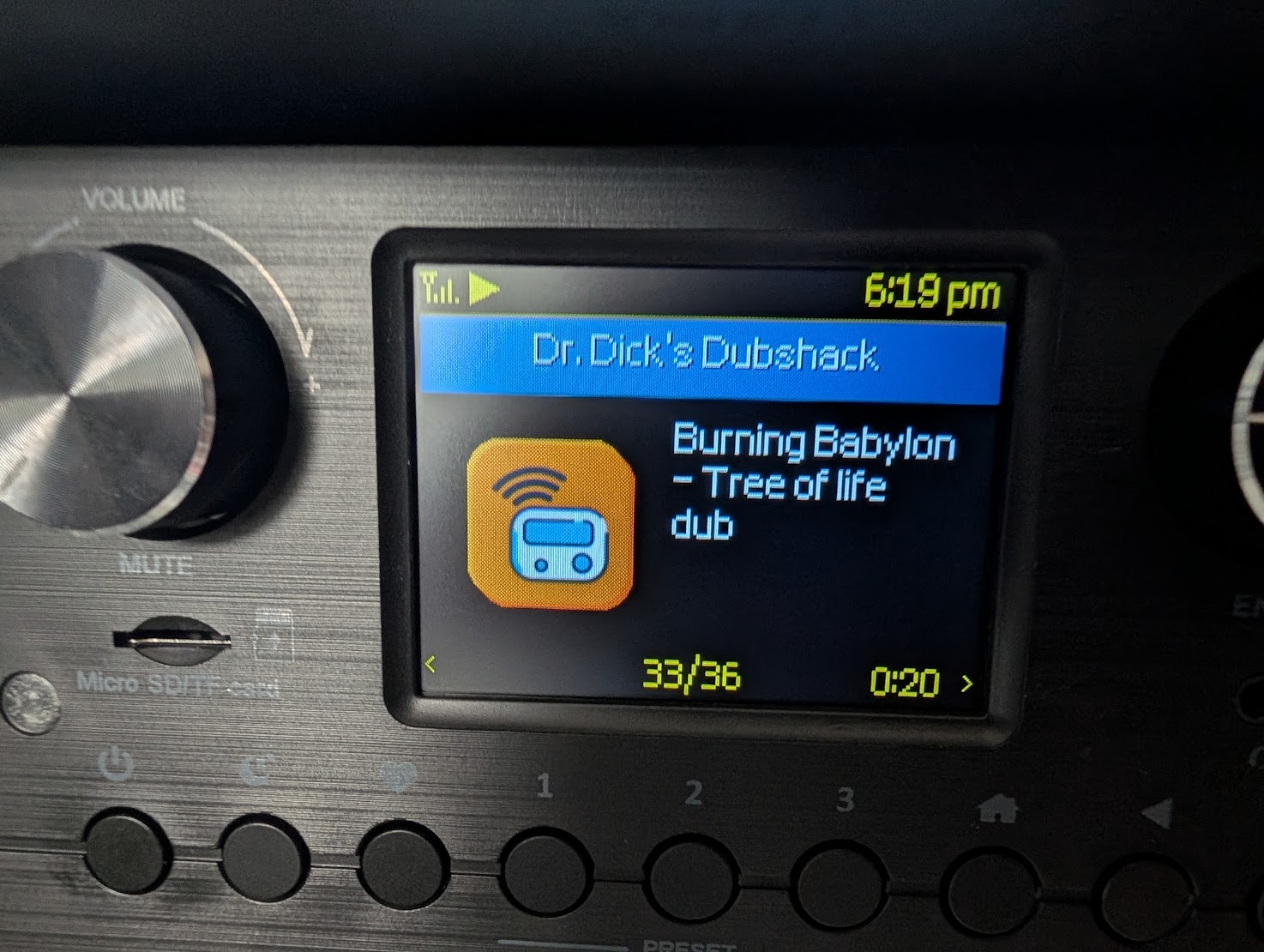
It just depends on what the stream sends over for metadata. I haven’t run across any streams that display anything but the default image though.
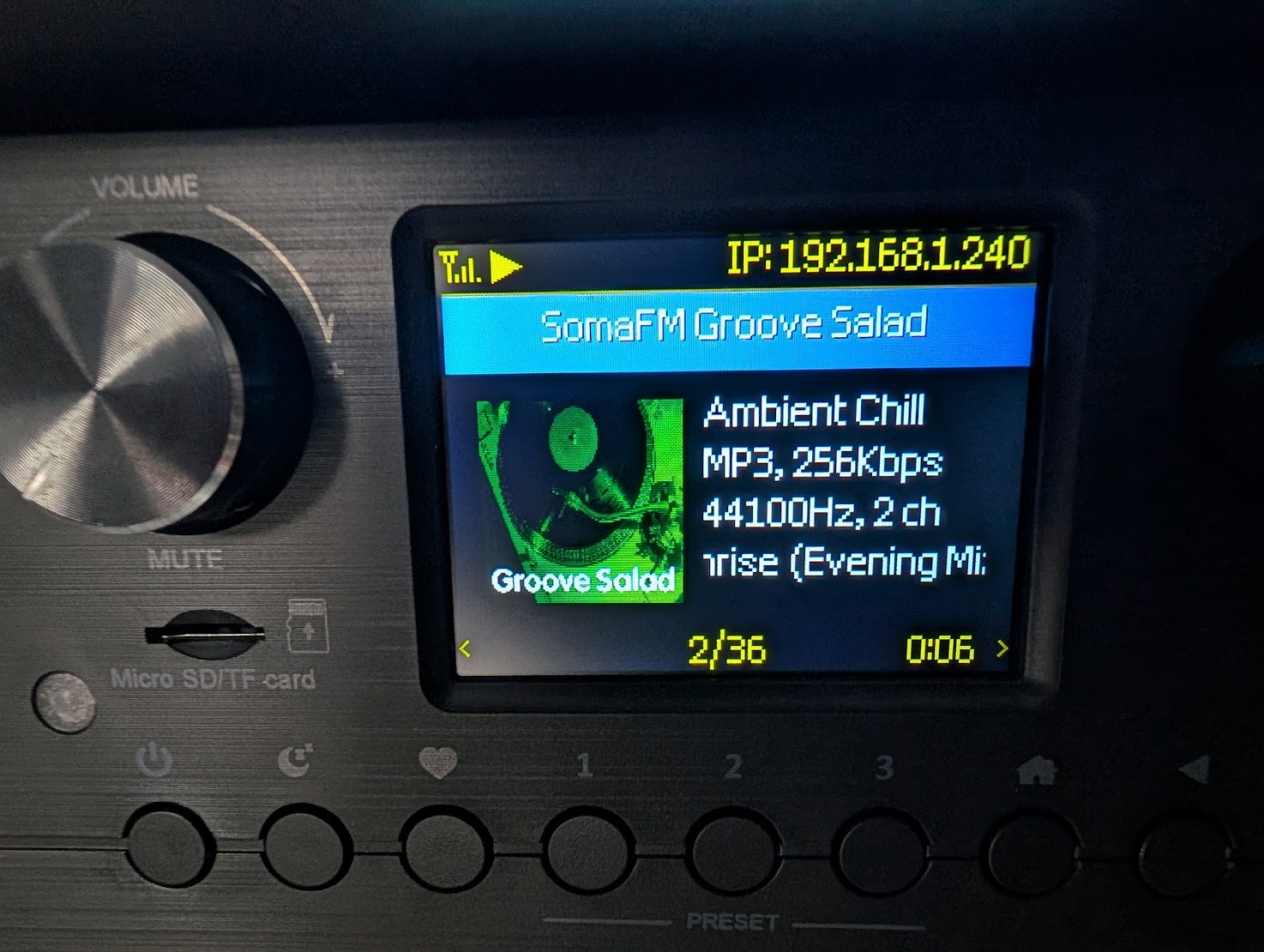
Compare that to an official Skytune station for SomaFM Groove Salad, with the official thumbnail, tag line of “Ambient Chill”, and what’s playing.
So where do you find the URLs to input? A few answers. Some sites will just give you the URL. Like SomaFM…
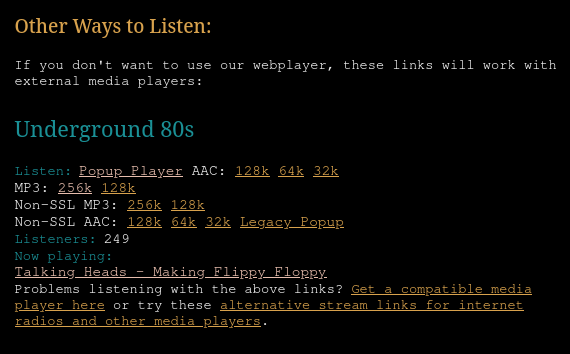
If your station doesn’t have a published stream URL, there are various sites that document these, with thousands of streams listed. Here are a few:
There are lots of sites that let you play streams from the site, but these ones offer the actual URLs to the streams to use in other devices.
And if you still can’t find a stream URL, there’s the hacker method.
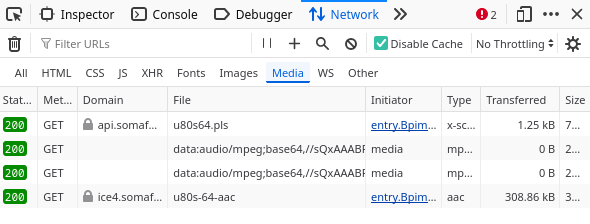
Go to the page that lets you play a stream. Open the developer tools in your browser and go to the network tab. Filter for media files and play the stream. You might need to refresh if you didn’t get the timing right. Eventually you’ll get at least one listing there. Sometimes more. There are many possible configurations for streaming audio, so you might have to find the right listing by trial and error. But one of them should work.
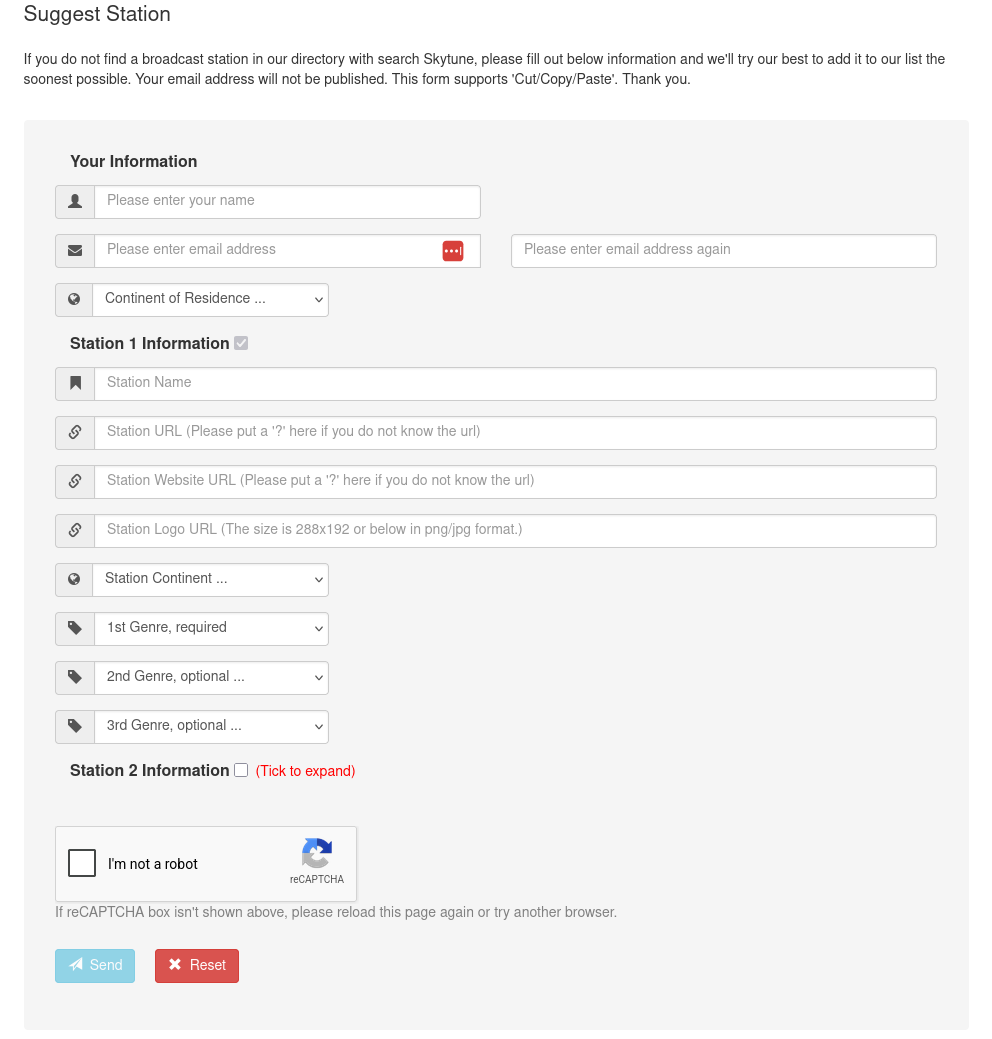
Say you find an official stream URL for a station that’s not in Skytune. You can submit it by going to “Suggest Station” on the main site. They ask for a bunch of info, and I have no idea what their turnaround is, but it’s worth a shot.
I should add that it’s not just music. There are news stations, talk stations, even podcasts stored on Skytune. I have several news stations and a bunch of BBC stations.
Oh, and Skytune lets you save your stations to disk and restore them from a saved file. Sadly, they are saved in some kind of binary text file, rather than something like JSON which might be usable elsewhere. Open source, this is not. :( But it’s a good idea to make a backup now and then.
